
Google’s Dark Web Report, the free tool built into Google One and, later, every Google Account, is no longer available. Google stopped scanning for new dark web breaches on January 15, 2026, and fully shut the feature down on February 16, 2026, telling users the report “didn’t provide helpful next steps” for the exposures it found. For the millions of people who relied on it since its 2023 launch to know whether their email, phone number, or Social Security number had surfaced in a breach, that leaves a real gap: the monitoring is gone, but the risk it was tracking hasn’t gone anywhere. This guide covers what the Google Dark Web Report actually did, why Google pulled it, how to grab or delete your old data before it disappears, and what a genuine replacement, continuous dark web monitoring rather than an occasional scan, needs to cover that Google’s version never did.
What Google’s Dark Web Report Was
Google’s Dark Web Report was a free monitoring feature that scanned known dark web breach databases for a user’s personal information and alerted them if it found a match. It launched to give ordinary Google users the kind of exposure visibility that used to require a dedicated identity-protection service, folded directly into the account settings most people already checked.
What It Monitored
The report tracked a small, fixed set of identifiers: the email address tied to the Google Account, along with any phone numbers, full name, and Social Security number a user chose to add to their monitoring profile. When one of those data points appeared in a breach dataset indexed on the dark web, Google surfaced it as a “result” in the report, showing what was exposed and, where available, which breach it came from. It didn’t scan for credit card numbers, passwords, or physical addresses, a narrower scope than most dedicated dark web monitoring tools, which typically cover credential pairs, financial data, and a broader range of personal identifiers.
How It Worked: From Google One to Every Account
The feature started as a Google One subscriber perk in 2022, limited to paying members as part of the broader Google One benefits package. Google expanded it to every personal Google Account, subscriber or not, in 2023, a move that took a premium add-on and made it a default part of account security for over a billion users. From there, the mechanics stayed simple: users built a monitoring profile with the data points they wanted tracked, and Google ran periodic scans against dark web sources, surfacing new matches in the same dashboard where the original results lived. That free, always-on scanning stopped on January 15, 2026, ahead of the feature’s full removal a month later.
Google Discontinued the Dark Web Report: Key Dates
Google discontinued the Dark Web Report in two stages roughly a month apart: new scanning stopped in mid-January 2026, and the feature itself, along with all its data, was gone by mid-February. Anyone who wants to act on their old results or preserve their data needs to know both dates, since they trigger different deadlines.
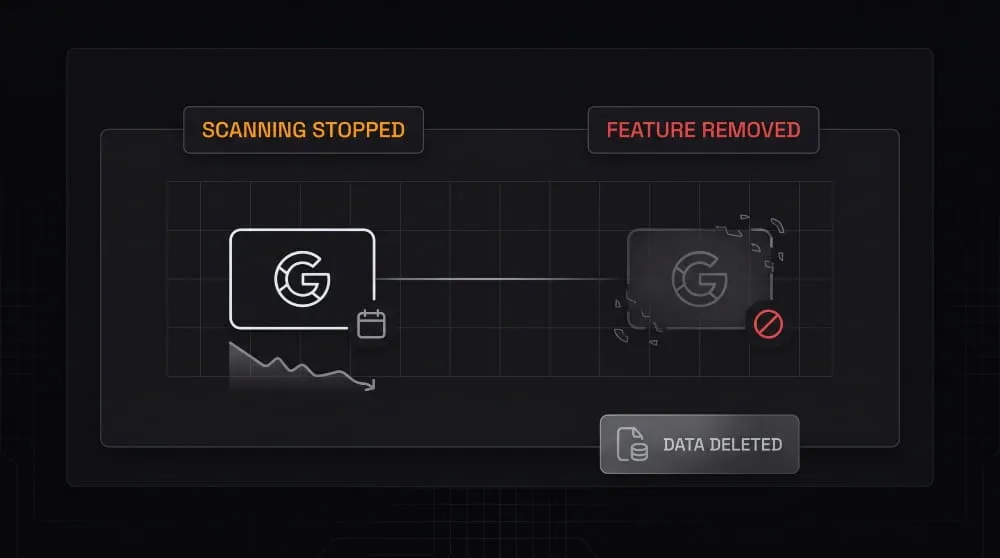
Scan Cutoff vs. Full Shutdown
January 15, 2026 was the last day Google scanned the dark web for new matches against a user’s monitoring profile; after that, the report stopped updating, even though it was still viewable. February 16, 2026 was the harder deadline: the feature became fully unavailable, and its interface, along with every result it had ever surfaced, was removed from Google Accounts entirely. The month-long gap between the two dates functioned as a wind-down window, giving users time to review whatever the report had already found before losing access to it for good.
Why Google Shut It Down
Google’s own explanation, published in its support documentation, was that the report “didn’t provide helpful next steps” for the exposures it flagged. In practical terms, the tool told users their information had leaked, then stopped: no remediation guidance, no severity prioritization, and no path from “here’s what we found” to “here’s what to do about it.” Google framed the decision as a shift in focus, saying it would instead build tools offering “clearer, actionable steps to protect your information online,” rather than continue a scanning feature that, by its own account, left users with a warning and little else.
What Happens to Your Existing Data
All data tied to the Dark Web Report, monitoring profiles, past scan results, and everything else stored under the feature, was deleted from Google’s servers once the shutdown took effect on February 16, 2026. Users who wanted to remove their information sooner, rather than wait for automatic deletion, could delete their monitoring profile manually before that date through the “Edit monitoring profile” setting. Either way, the outcome is the same now: no historical record of what the report ever found remains accessible through a Google Account, and no new scanning has taken place since the January cutoff.
Was Google’s Dark Web Report Legit and Worth Using?
Yes, Google’s Dark Web Report was a legitimate, genuine security feature, not a scam or a data-harvesting gimmick, and it did real work for the years it ran. Whether it was worth using is a separate question, and the answer is more mixed: it gave users something, but not the full picture its name implied.
What It Did Well
The report’s biggest strength was accessibility: it turned dark web exposure checking from a paid, opt-in service into something built directly into an account nearly everyone already had, at no cost. It also monitored genuinely sensitive identifiers, not just an email address, but phone numbers, full names, and Social Security numbers, which put it a step ahead of the free “type your email in and see if it’s been breached” tools that only check one data point. For a user who’d never otherwise think to check, even an occasional scan that flagged a leaked SSN was more protection than none.
Where It Fell Short
The report’s limitations were structural, not incidental, and for the same reasons Google shut it down. Scanning ran on Google’s schedule rather than continuously, so a new breach involving a user’s data could sit undetected for some stretch of time before the next scan caught it, closer to a periodic check-in than real-time monitoring. No alerting layer was built for urgency: a match appeared in the dashboard, but nothing pushed users to act immediately based on how serious the exposure was. And critically, the report stopped at detection. It named the breach and the data involved, then left the user to figure out what to do next: no guided remediation, no severity scoring, no distinction between a years-old low-risk leak and an active credential exposure worth acting on today. That gap between “we found something” and “here’s what to do about it” is the exact shortfall Google cited as its reason for discontinuing the feature.
How to Find or Remove Your Data Before Shutdown
That window has already closed; Google fully removed its Dark Web Report on February 16, 2026, and deleted any data tied to it automatically at that point, whether or not a user acted first. If you used the report and want to understand what that process looked like, here’s how locating and deleting a profile worked during the transition period between the January scan cutoff and the February shutdown.
Locating Your Monitoring Profile
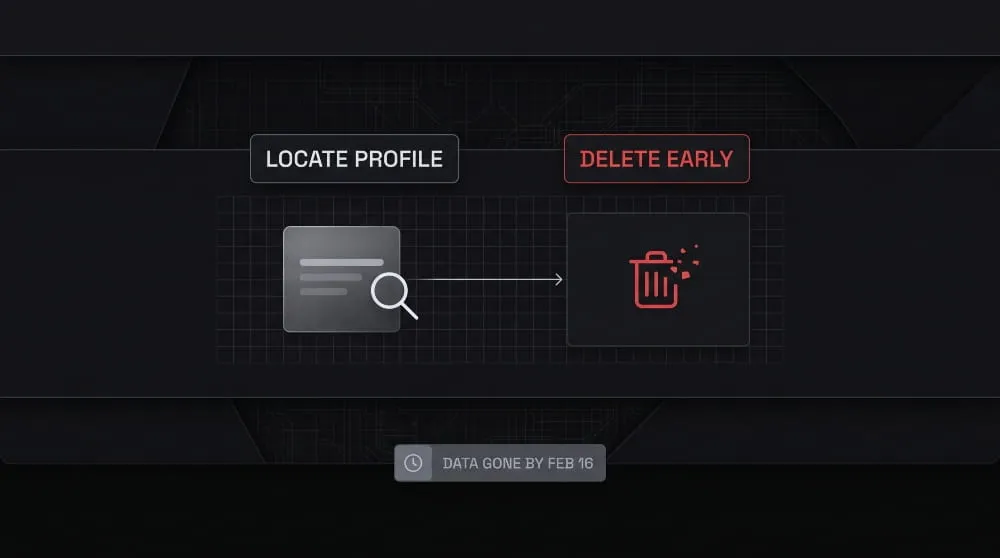
During the wind-down window, a user’s monitoring profile lived inside their Google Account, reachable through the same dashboard the report had always used, accessible directly at one.google.com or via the “Results about you” and account activity settings tied to a signed-in Google Account. There was no separate app or standalone site to track down; the report stayed where it always had, just without new scans running after January 15.
Deleting Your Profile Early
Users who didn’t want to wait for the automatic February deletion could remove their data sooner by opening “Edit monitoring profile” within the Dark Web Report interface and selecting “Delete monitoring profile.” That action wiped the profile and its results immediately, rather than leaving them in place until the scheduled shutdown. Functionally, it made little difference either way; everyone’s data, deleted early or not, was gone from Google’s servers by February 16, but it gave privacy-conscious users a way to close out their own data sooner rather than later. Today, there’s nothing left to locate or delete: the feature and everything in it are already gone.
Google’s Suggested Replacements (Security Checkup, Password Checkup), and Their Limits
Google’s stated replacement for the Dark Web Report isn’t a single tool but a redirect toward existing account-security features, mainly Security Checkup and Password Checkup, that were never built to do what the report did. They’re useful, but they solve a different problem.
What These Tools Actually Cover
Security Checkup is a general account-health review: it walks through recent sign-in activity, connected devices, recovery options, and third-party app permissions, flagging anything that looks unusual or insecure. Password Checkup works more narrowly; it compares the passwords saved in a user’s Google Password Manager against Google’s list of known compromised credentials and warns when a saved password matches one that’s been exposed in a breach Google is aware of. Alongside these, Google points users toward passkeys as a stronger sign-in method and “Results about you,” a tool for finding and requesting removal of personal information, like a phone number or address, that shows up in ordinary Google Search results.
What They Don’t Cover
None of these tools scan the dark web. Password Checkup only catches a compromised password if that exact password is both saved in Google’s Password Manager and already present in Google’s own breach-compromise list; it says nothing about a Social Security number, phone number, or full name surfacing in a breach dataset, and nothing about credentials stolen directly off a device by infostealer malware, which is how a large share of current credential theft happens. Security Checkup reviews the account itself, not what’s circulating about that person elsewhere. And “Results about you” only addresses information indexed in standard Google Search; it has no visibility into dark web marketplaces, breach forums, or the infostealer logs where stolen credentials and personal data actually get traded. The identifiers the Dark Web Report used to track- name, phone, SSN, email exposure across breach databases- have no equivalent coverage in what replaced it. That gap is exactly what dedicated dark web monitoring is built to close.
What to Use Instead: Continuous Dark Web Monitoring
Replacing what Google’s Dark Web Report did means replacing a periodic scan with something that runs continuously, because the exposures it was built to catch don’t wait for a convenient check-in schedule.
Point-in-Time Check vs. Continuous Monitoring
A point-in-time scan, like the one Google ran, looks at a snapshot of known breach data on a set cadence and reports what it finds at that moment. Continuous monitoring works differently: it watches breach dumps, criminal marketplaces, and infostealer logs as they surface, and flags a match close to when the data appears rather than at the next scheduled scan. That difference matters because stolen credentials move fast once they’re harvested; Flashpoint’s mid-2026 threat intelligence recorded 7.4 million infected devices and 1.7 billion stolen credentials sourced by infostealer malware in just the first six months of the year, a scale that keeps growing month over month. A credential can be stolen, packaged into a log, and sold within days, which means the gap between a periodic scan and the actual moment of exposure is where the real risk sits.
| Feature / Criterion | Point-in-Time Scan | Continuous Monitoring |
|---|---|---|
| Detection timing | Runs on a fixed schedule | Flags exposures as they surface |
| Data sources | Known breach databases | Breach databases, infostealer logs, criminal marketplaces |
| Identifiers covered | Fixed set (email, phone, name, SSN) | Configurable, often broader (credentials, session data, domains) |
| Next steps after a match | Notification only | Alert prioritized by severity, with guided response |
What Real Coverage Looks Like
Coverage that actually closes the gap Google left behind has three parts working together, not just one scan repeated on a timer. First, it needs to watch the sources where credentials actually surface today, not just static breach compilations, but the infostealer logs and marketplace listings where stolen data is actively traded, since that’s where a growing share of exposures now originate. Second, it needs alerting that does more than notify: a match should come with context, how the data was exposed, how severe it is, and what it’s connected to, so someone can tell a years-old low-risk leak apart from an active credential sitting in a fresh infostealer log. Third, it needs a path to action, since Google cited detection without remediation guidance as the exact failure when it shut its own tool down.
For individuals, that combination is what separates a meaningful replacement from another version of the same limited scan. For MSSPs and the businesses they protect, the requirements go further still: monitoring needs to run across every domain and identity in a client’s environment, not just one inbox, with alerting that scales to hundreds of exposures a month instead of one person’s occasional check. Dark web monitoring built for that scale, continuous, domain-wide, and structured around real response, is the kind of coverage that a free, retired consumer tool was never designed to provide. Mispar is built around exactly that gap.
Frequently Asked Questions (FAQ)
Was Google’s Dark Web Report legit and safe to use?
Yes, it was a genuine, official Google security feature, not a scam or a third party posing as Google, and it never charged for the exposures it flagged. It ran within the same trusted infrastructure as the rest of a Google Account and only monitored the data points a user chose to add to their profile. The tool’s shortcoming was never legitimacy; it was that finding an exposure and telling someone what to do about it are two different things, and Google’s version only ever did the first.
What replaces Google’s Dark Web Report now that it’s gone?
Google points users to Security Checkup and Password Checkup. Still, neither scans the dark web: Security Checkup reviews general account health, and Password Checkup only flags saved passwords that match Google’s list of known compromised credentials. Neither covers a leaked Social Security number, phone number, or full name the way the original report did. Closing that gap requires a dedicated dark web monitoring tool built to watch breach data, criminal marketplaces, and infostealer logs on an ongoing basis, rather than a general account-security feature repurposed to stand in for it.
How can I check if my data was ever found on the dark web, now that the report is gone?
There’s no way to retrieve historical results from Google’s Dark Web Report; Google deleted all its data, including past matches, from its servers when the feature shut down on February 16, 2026. Checking exposure in the future means using a dedicated monitoring service instead: one that scans current breach and infostealer data for the identifiers that matter (email, credentials, and beyond) and keeps checking on an ongoing basis, rather than a single lookup that only reflects a moment in time. Mispar is built for that kind of continuous coverage, for both individuals and the MSSPs monitoring on their behalf.