
What Is a Dark Web Scan? How It Works, What It Checks & Its Limits (2026 Guide)
September 19, 2026
A dark web scan searches for your email address, passwords, or other personal information in leaked data circulating in hidden corners of the internet, typically pulled from stolen credential dumps, breach databases, and hacker forums. Running one takes seconds: you submit an email, phone number, or domain, and the tool compares it against records already collected from past breaches, then tells you whether a match turned up.
The need is real. Have I Been Pwned, one of the most widely used breach-checking services, now lists more than 15.3 billion compromised accounts across over 900 tracked breaches, a number that keeps climbing as infostealer malware and credential-dump leaks get added. A scan won’t stop your data from leaking in the first place, but it’s often the first moment someone realizes their information is already exposed.
What follows is a plain-language breakdown of how a dark web scan actually works, what it checks, where free tools stop short of paid ones, and why a single scan is only a snapshot rather than protection.
What Is a Dark Web Scan?
A dark web scan is a lookup process that cross-references a piece of your personal information, most often an email address, against a database of data known to have leaked in past breaches. The scan doesn’t crawl the dark web in real time, as the name implies; it checks your details against records the scanning provider has already collected, indexed, and stored. If your email or password shows up in that dataset, the scan flags it as compromised and tells you which breach it came from.
How a Scan Differs From Ongoing Monitoring
A scan is a single, point-in-time check. You run it once, get a result, and that result reflects only the breaches on record at that moment, not anything that leaks tomorrow or next month. Dark web monitoring works differently: it’s a continuous process that re-checks your information against new breach data as it appears, then alerts you when a fresh exposure shows up. Think of a scan as opening a door and looking inside once, while monitoring keeps that door open and watches what comes through it in the future. For anyone who wants to know about new exposure as it happens rather than re-running a manual check every few weeks, continuous dark web monitoring covers the gap a one-time scan leaves open.
Common Misconceptions (“Is It a Scam?”)
The most common doubt people have is whether a dark web scan is even legitimate, especially free ones offered by credit bureaus, browsers, or password managers. In most cases, these tools are real and check against genuine breach data, but a few misconceptions are worth clearing up. A scan does not mean someone is actively watching your accounts in real time. A clean result doesn’t guarantee your data has never leaked, only that it hasn’t shown up in the provider’s current dataset. And a scan finding a match doesn’t mean your accounts have been broken into; it means your credentials exist in a leaked dataset somewhere, which is a risk signal, not proof of an active attack. The tools are generally trustworthy, but you should read the results with that context in mind.
How a Dark Web Scan Works
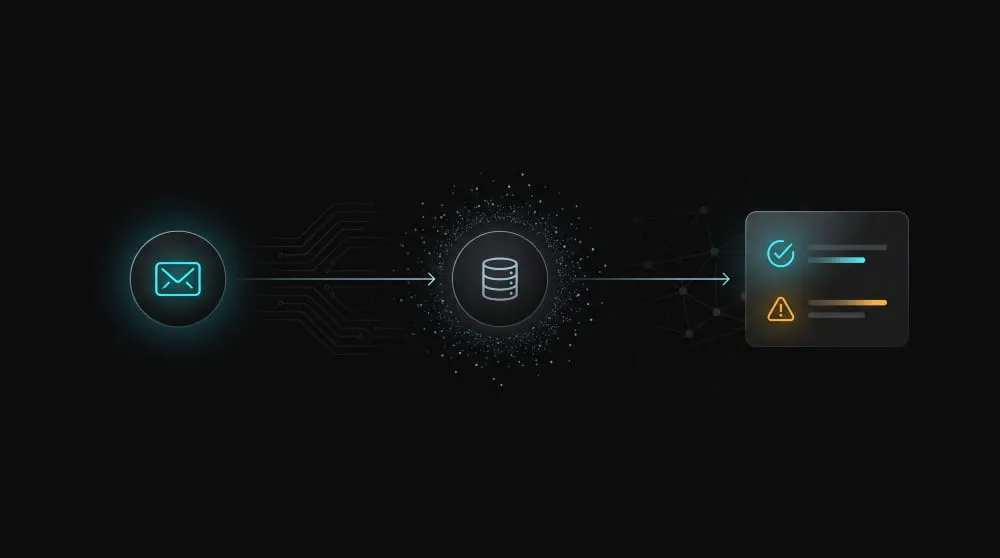
A dark web scan works by taking the information you submit, usually an email address, and comparing it against a database of records already collected from breaches, leaked credential dumps, and infostealer malware logs. The comparison happens almost instantly because the scan isn’t searching live; it’s querying a dataset that was built and indexed long before you clicked “scan.”
Manual vs. Automated Scanning
Running a scan manually means visiting a checking tool, entering your email or phone number, and reading the result on the spot. It’s quick, but it only reflects that single moment, and you have to remember to check again later to catch anything new. Automated scanning removes that step by re-running the check on a schedule or continuously, then notifying you the moment a new match appears. For an individual checking their own inbox, manual is usually enough. For a business tracking dozens or hundreds of employee and customer credentials, manual checks stop being practical fast, which is where automated, domain-wide scanning takes over.
What Happens Behind the Scenes (Breach Databases, Credential Dumps)
Behind every scan sits a database built from breached company records, hacker forum leaks, and increasingly, infostealer malware logs pulled directly off infected devices. That last source has grown sharply: in June 2026 alone, one major breach-checking service added 56 million email addresses and 124 million passwords harvested by infostealer malware from compromised Windows PCs. Providers collect this raw data, clean it, deduplicate it, and index it by email, username, or domain so a scan can return a match in seconds rather than searching for it fresh each time. The scan you run is only as good as this underlying database, which is why coverage and update frequency vary so much between tools.
Free vs. Paid Scan Tools
Free scan tools, the kind offered by browsers, password managers, and credit bureaus, typically check your email against a limited slice of breach data and return a basic yes-or-no result. That’s useful for a first check, but the coverage usually stops there. Paid tools tend to pull from a broader, more frequently updated set of sources, cover more data points than just email (passwords, phone numbers, SSNs, domains), and often bundle the scan into ongoing monitoring rather than a one-off lookup. Neither option is inherently more trustworthy than the other; the real difference is coverage breadth and whether the check happens once or keeps happening.
What a Dark Web Scan Actually Checks
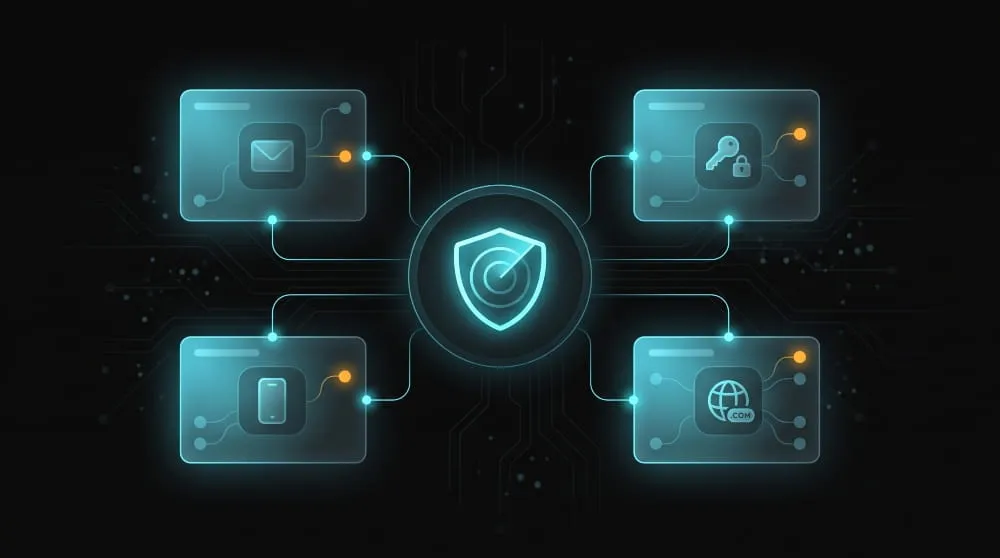
What a dark web scan actually checks depends on what you enter into it. Most scans work on a match-and-report basis: you submit a specific piece of your information, and the scan tells you whether that exact detail turns up in a leaked dataset. It doesn’t read your full digital footprint; it only compares the one thing you provide.
Email & Password Exposure
Email is the most common starting point for a dark web scan, since it’s the identifier tied to the largest share of breach records. Submit an email address and the scan checks it against known breach data, then reports back which specific incidents it appeared in and, on some tools, whether a password was exposed alongside it. Password checks work similarly but usually use hashing rather than storing your actual password, so the tool can confirm a match without ever seeing the plaintext version.
Phone Number & Personal Identity Data
Beyond email and passwords, more scans check phone numbers, physical addresses, and identity data like Social Security numbers, especially on paid or identity-protection-focused tools. These data points show up less often than email addresses in breach dumps, but when they do, the risk is more severe since a phone number or SSN can’t be reset the way a password can. A scan that checks this broader set of identity data gives a fuller picture than an email-only check. Still, it also means the provider holds more sensitive information about you to run the comparison.
Domain-Level Scans for Businesses
For businesses, checking one employee’s email at a time doesn’t scale, so domain-level scans exist. Instead of submitting individual addresses, a domain scan checks every credential tied to a company’s domain against breach and infostealer data in one pass, surfacing exposed employee accounts across the organization at once. This matters more than it might seem: according to SpyCloud’s 2026 identity exposure research, infostealer malware alone caused 13.2 million new infections in a single year, exposing 642 million credentials, averaging 50 exposed credentials per infected device. A single compromised employee laptop can expose dozens of company-linked credentials, which is exactly the kind of exposure a domain-wide scan is built to catch.
Are Dark Web Scans Worth It?
Yes, a dark web scan is worth running, but its value is narrower than the marketing suggests. A scan is a fast, low-effort way to see whether your information has already been compromised, and that knowledge is genuinely useful for deciding whether to change a password or monitor an account more closely. It won’t prevent a breach, guarantee your safety, or replace basic security habits like unique passwords and multi-factor authentication.
What a Scan Can and Can’t Tell You
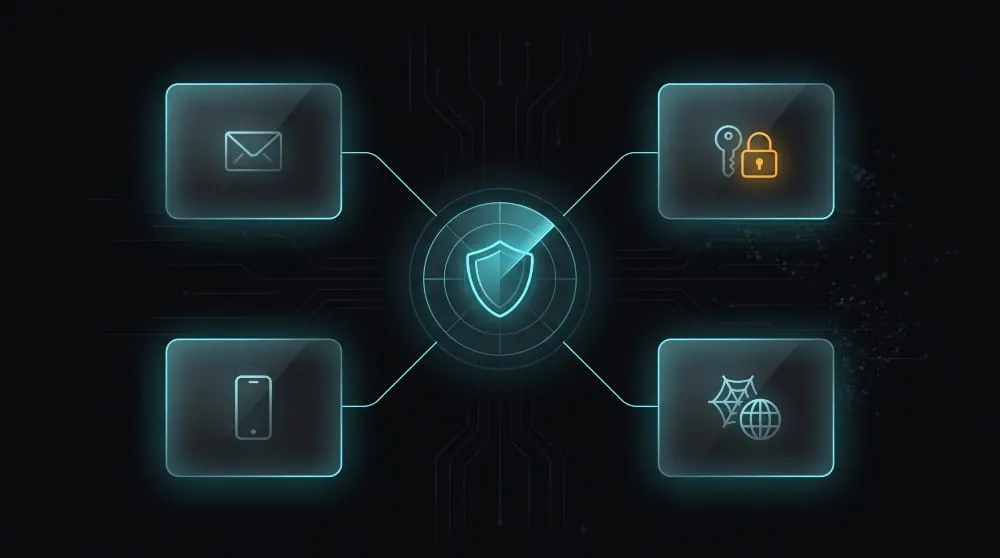
A scan can tell you whether a specific piece of your information, an email, password, or phone number, appears in data the provider has already collected from past breaches. That’s a real and actionable signal. What it can’t tell you is whether your information is about to leak, whether it’s circulating somewhere the provider hasn’t indexed yet, or whether someone has actually used the leaked data against you. A clean scan result means no match was found in that provider’s dataset, not that your information has never been exposed anywhere. That gap is exactly why relying on a single scan can create a false sense of security.
Signs of a Legitimate Scan Tool
A legitimate scan tool will tell you plainly what it checks and where the data comes from, rather than promising a comprehensive sweep of “the entire dark web,” which no single tool can actually do. It won’t ask for more information than the check requires, and it won’t pressure you into an upgrade before showing any results. Reputable tools typically come from established identity-protection companies, credit bureaus, password managers, or browsers, and they document their breach sources rather than leaving them vague. If a tool makes big claims but gives no detail on what it actually searches, that’s a signal to look elsewhere.
Common Scan Results Explained
Most scan results fall into one of two outcomes: no match found, or one or more matches tied to specific named breaches. A match result usually names the breach, an approximate date, and which of your data points (email, password, or other identifier) was involved, giving you enough context to know whether to act, like changing a reused password. A “no match” result is good news for that specific check, but it only reflects the provider’s current data, not a lifetime guarantee. Since breach databases are added to constantly, a scan that comes back clean today can return a match after your information appears in tomorrow’s leak, which is the core limitation a single scan can’t get around.
Free Dark Web Scan vs. Paid Services
A free dark web scan and a paid one check the same basic thing- whether your information appears in known breach data- but they differ in how much they check, how often, and what happens after a match turns up. Free tools are a reasonable starting point; paid services are built for people who want ongoing coverage rather than a single lookup.
What Free Scans Typically Include
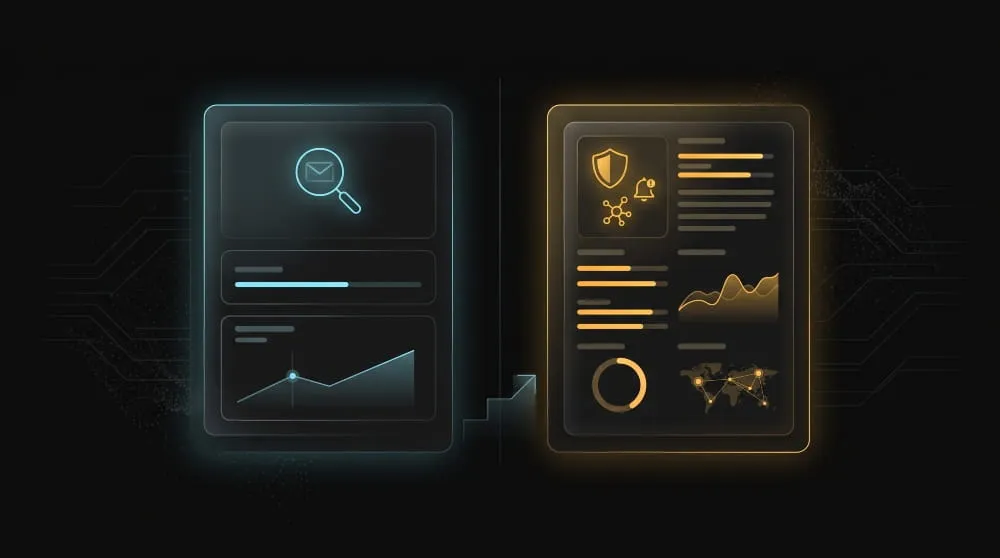
Free scans, the kind offered by browsers, password managers, and credit bureaus, generally check one data point, usually your email address, against a limited set of breach sources and return a simple match or no-match result. They’re fast, require no signup cost, and are genuinely useful for a first check. What they typically don’t include is monitoring phone numbers, SSNs, or physical addresses; ongoing re-checks after the initial scan; or guidance on what to do once a match is found. A free scan tells you there’s a problem; it rarely helps you fix it.
When a Deeper (Paid) Scan Makes Sense
A paid scan makes sense once you want coverage beyond a single email check, ongoing monitoring rather than a one-time result, or support for identity data like SSNs and financial accounts. Paid identity-protection plans typically run $7 to $35 a month, depending on how much they cover, and that price difference usually buys broader breach sourcing, continuous re-scanning, and alerts when something new turns up rather than requiring manual checks. The table below breaks down the practical differences.
For an individual doing an occasional check, a free scan covers the basics. For anyone managing exposure across a household, a business domain, or sensitive identity data, the gap between a one-time free result and continuous paid monitoring is where the real protection lives.
Dark Web Scanning for Businesses & Organizations
For a business, dark web scanning works the same way it does for an individual, checking whether specific credentials appear in leaked data, but the scale and stakes are different. A single employee’s exposed password can be a foothold into company systems, customer data, or vendor accounts, which is why organizations need a scanning approach built around the domain, not just isolated personal checks.
Domain-Wide Scanning vs. Individual Checks
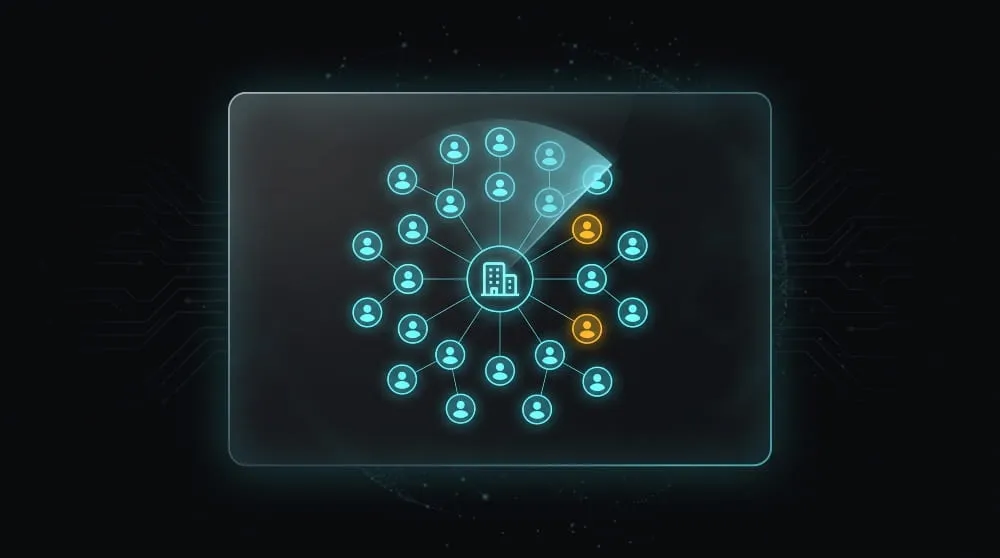
Checking employee credentials one email at a time doesn’t hold up once a company has more than a handful of people. Domain-wide scanning solves this by checking every credential associated with a company’s domain in a single pass, surfacing exposed employee and, in some cases, customer accounts across the organization at once. This isn’t a hypothetical risk: one industry study found that criminals had compromised more than 5.5 million credentials tied to 97 percent of the world’s top 1,000 companies, a scale no manual, one-by-one checking process could realistically keep up with. Domain-level scanning exists precisely because individual checks can’t scale to organizational risk.
Affordable Options for Small Organizations
Smaller organizations often assume domain-level scanning is priced for enterprise budgets, but that’s not always true. Several providers offer domain-scanning tiers scaled to smaller employee counts, and even a basic scan covering a company’s core domain is a meaningful improvement over having no visibility into employee credential exposure at all. For organizations weighing cost, the more useful question isn’t whether they can afford a scan, but whether they can afford to find out about an exposed credential only after it’s been used in an attack.
Why a One-Time Scan Isn’t Enough: Moving to Continuous Monitoring
A single domain scan shows what’s leaked today, but new employee credentials get exposed constantly through fresh breaches and infostealer infections, and a one-time check won’t catch what happens next week. That’s the same limitation that applies to individual scans, just at organizational scale: a scan is a snapshot, not protection. Continuous dark web monitoring closes that gap by re-checking your domain against new breach data as it appears and alerting your team the moment a new employee credential shows up exposed, rather than waiting for the next manual check. For organizations that depend on knowing about exposure early, that shift from periodic scanning to ongoing monitoring is what actually reduces risk over time, which is the approach Mispar is built around.
Frequently Asked Questions (FAQ)
How do I scan the dark web?
Use a scanning tool from a password manager, credit bureau, or identity-protection service, then submit your email address or phone number. The tool checks that information against known breach data and reports back within seconds.
Is a dark web scan worth it?
Yes, for the low effort involved, a scan can reveal whether your information is already exposed. Just remember it reflects a single moment, not an ongoing guarantee of safety.
How often should I run a scan?
Every few months is a reasonable minimum for a manual check, since breach databases are updated constantly. For real-time awareness, continuous monitoring is more reliable than remembering to re-scan.
What’s the difference between a scan and monitoring?
A scan is a one-time check against existing breach data, while monitoring continuously re-checks and alerts you when new exposure appears. A scan tells you where things stand today; monitoring tells you when that changes.