
MSSP reporting is the set of reports, dashboards, and reviews that show a client what a managed security provider found, what it did about it, and what risk remains. Done well, it keeps clients renewing and produces dated records that can support a client’s compliance and audit work.
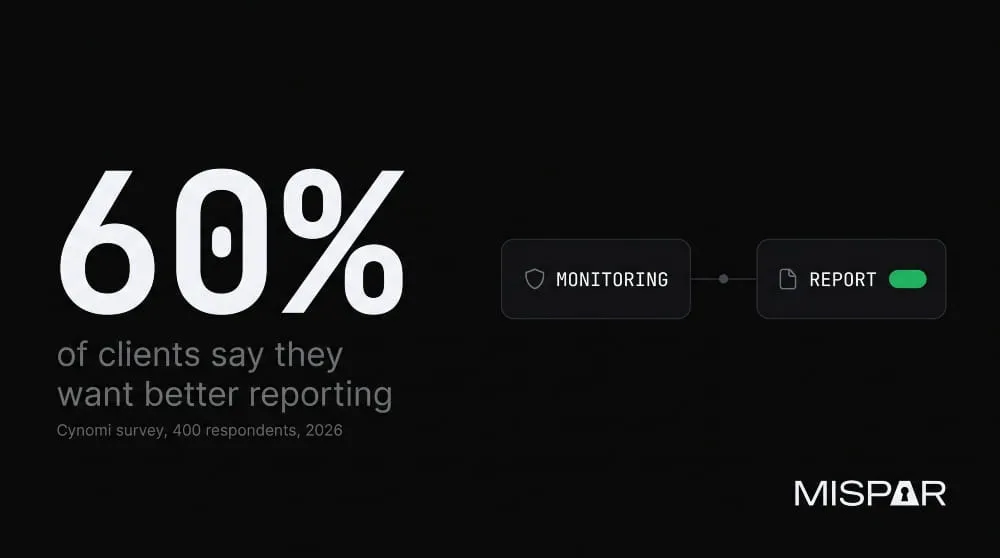
Clients are asking for more of it. In a 2026 survey commissioned by Cynomi of 200 service provider leaders and 200 end-client security leaders, 60% of clients said they want better reporting, ahead of better outcomes (55%) and more proactive recommendations (54%). A vendor ran the survey, so treat it as a directional signal rather than a benchmark. This guide covers what a good client report contains, how often to deliver it, how portals and dashboards fit in, and how reporting can feed compliance evidence. For the basics of the provider model, see what an MSSP is.
Why MSSP reporting matters
MSSP reporting matters because most of what a security provider does is invisible to the client. When nothing bad happens, the client sees an invoice and no evidence of work, and clients who cannot see value tend to question the fee.
Reporting as proof of value and retention tool
A report turns quiet months into proof of value. It shows what was monitored, what was found, what was fixed, and what is still open so that the client can connect the monthly fee to real activity. Providers that report consistently also learn earlier when a client is disengaged, because unread reports and missed reviews are an early churn signal. Treat reporting as part of the service you sell, not an admin task that follows it.
Reporting vs monitoring: what clients actually see
Monitoring is the work and reporting is the window onto it. Clients never see raw alerts, logs, or analyst notes, and most do not want to. They see the report, the portal, and the review meeting, so those three touchpoints define how they judge your service quality. A strong monitoring operation with weak reporting is usually perceived as a weak service.
What a good MSSP client report includes
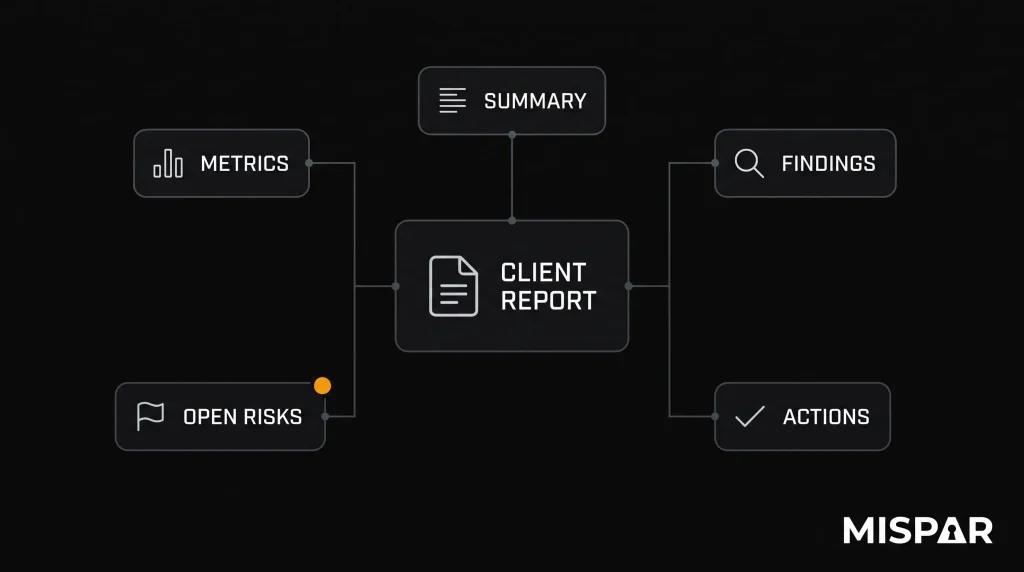
A good client report answers three questions in plain language: what changed, what was done, and what the client should do next. It should be readable by a non-technical decision-maker in a few minutes, with technical detail available behind it for the client’s IT team.
Executive summary and what changed
Open with a summary of the period: overall risk posture, the most important finding, and any decision needed from the client. Compare against the previous period so the reader can see direction, not just a snapshot. If nothing significant happened, say so and show what was checked, because a clear “quiet and covered” is itself useful evidence.
Findings, actions taken and open risks
List findings in order of importance, state what action was taken for each, and keep a running list of open risks with an owner and a status. Open items should carry forward from report to report until they are closed, so nothing disappears silently. Pair every open risk with a recommendation the client can act on, since a finding without a next step leaves the client with a problem and no plan.
Metrics worth tracking (and vanity metrics to skip)
The MSSP metrics that earn their place are the ones a client can act on or use to judge you: asset and account coverage, time to detect and respond where you can measure it, findings opened and closed, and open risks by age. Raw alert counts and “threats blocked” totals look impressive but rarely tell the client anything useful, and they can alarm or numb readers without informing them. Choose a short, stable set of metrics so trends are visible over time, and define each one so the numbers mean the same thing every period.
Reporting cadence
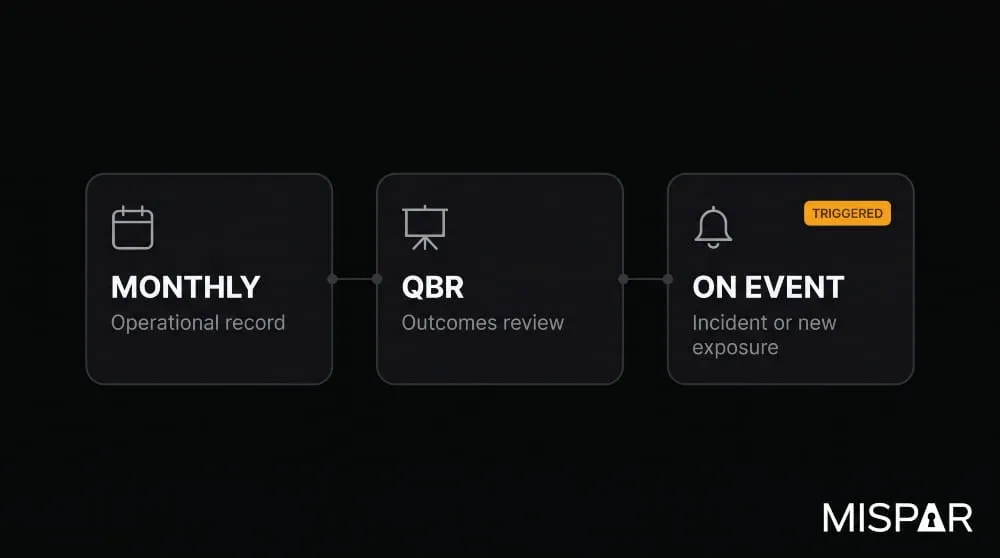
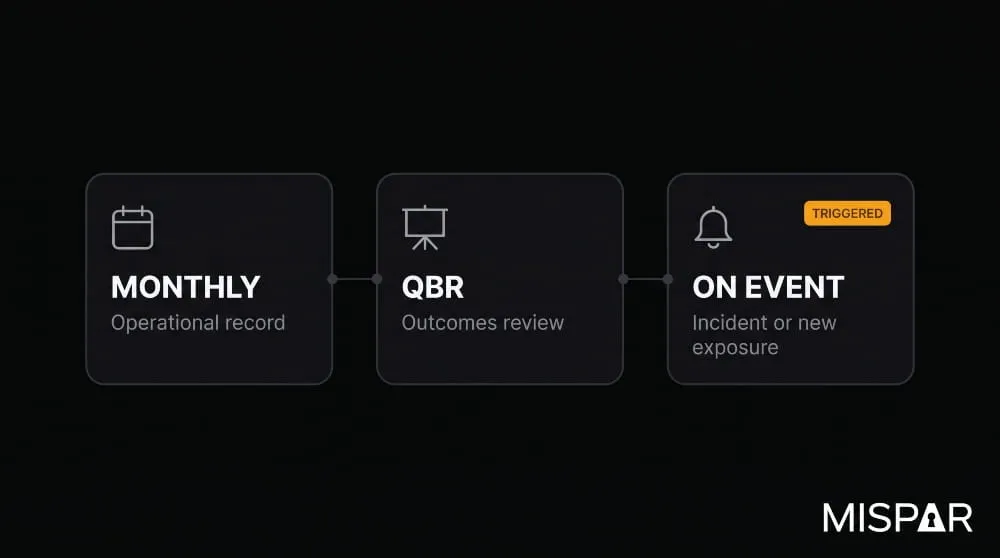
The right cadence combines a regular operational rhythm with strategic reviews and event-triggered reports. Agree it at signing and write it into the contract, so clients know what to expect and you know what you owe.
Monthly reports
A monthly report is the operational record: activity, findings, actions, and open risks for the period. Keep the format consistent so clients can compare months at a glance. Automation helps here, because a monthly report built from the same data every time is cheaper to produce and easier to trust than one assembled by hand.
Quarterly business review (QBR) format
A quarterly business review is a short meeting that moves the conversation from activity to outcomes. A workable agenda covers what changed in the client’s risk posture, notable incidents and how they were handled, progress on open risks, recommendations for the next quarter, and any changes in the client’s business that affect scope. Come with the data prepared and end with agreed actions. The same survey found 70% of providers still deliver advisory mainly through quarterly business reviews, so a well-run QBR remains the main place where strategic advice reaches the client.
Event-driven and incident reports
Some events should not wait for the next scheduled report. Agree in advance which events trigger a separate report, such as a confirmed incident or a significant new exposure, and how quickly you will deliver it. Tie these commitments to the response terms in your contract; the MSSP pricing model guide explains how SLA and scope definitions protect both sides.
Dashboards and client portals
A dashboard or client portal gives clients on-demand visibility between scheduled reports. It supports the report rather than replacing it, and it works best when clients can answer simple questions themselves without opening a ticket.
What clients should see in a portal?
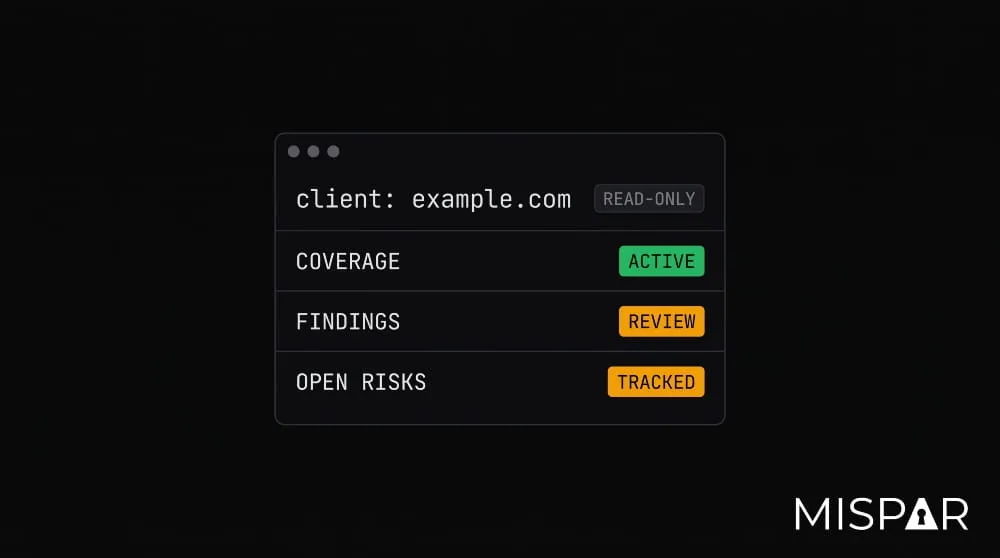
A client portal should show current coverage, recent findings, open risks and their status, and past reports in one place. Keep it focused on what a client needs to know, not everything your team can see. Portals are underused: in the survey above, only 7% of providers said they deliver advisory mainly through a client portal or dashboard, which leaves room to stand out. Mispar’s client portal is built for this kind of read-only client view.
Read-only access and branding
Give clients read-only access so they can see their own data without being able to change configuration or see other clients. Present the portal and reports under your own name, since clients should associate visibility with your service rather than a vendor behind it. White-label branding lets you apply your logo and identity across reports and portal views. For client-ready output, Mispar reporting produces branded reports per client.
Reporting as compliance evidence
Client reports can form part of the records a client uses for compliance and audit, but whether they count as sufficient evidence is decided by the client’s auditor, insurer or regulator, not by the provider. Position reports as supporting evidence and encourage clients to confirm what they need with the party asking. This section is general information, not compliance or legal advice.
How reports support SOC 2 and audit requests
During a SOC 2 audit or a similar review, a client is typically asked to show that its controls operate over time, which can include evidence of monitoring and how issues were handled. Dated reports showing what was monitored, what was found, and what was done can be part of that record, alongside other documentation the client holds. The auditor decides what is acceptable, so the client should confirm with them which records they will use.
Evidence for cyber insurance applications and renewals
Cyber insurance applications and renewals often ask about the controls a company has in place, including whether security is monitored. Reports that document ongoing monitoring and how findings are handled can help a client answer those questions with something concrete. The insurer decides what it accepts, so clients should check their policy requirements and use your reports as supporting material, not a guarantee.
Regulations and governance requirements MSSPs should understand
Each client sits under its own mix of privacy laws, sector rules and customer contracts, and those shape what records they need from you. You don’t need to be a compliance expert for every framework, but you should know which obligations your clients carry, what reporting they expect, and which parts of your service they rely on to meet them. Record these expectations in the contract so reporting scope and governance requirements are clear from the start.
Compliance automation and platforms
Automation can take over the repetitive parts of reporting and evidence handling, freeing analysts for judgment calls. The goal is consistency and a reliable record, not removing people from the process.
What to automate and what to keep manual
Automate data collection, scheduling, report generation, delivery, and reminders for recurring reviews. Keep manual the parts that need judgment: the written summary, prioritization of risks, recommendations, and any statement about a client’s compliance position. If you evaluate a compliance platform or other tooling for this, check that it supports per-client separation and exports in formats clients can pass to their auditors. Our MSSP software guide covers how to assess the wider tool stack.
Evidence collection and retention
Keep dated copies of the reports and records you deliver, store them per client, and agree with each client how long to retain them and who can access them. Consistent naming and a predictable location make it easy to retrieve material when a client needs it for an audit or renewal. Follow the retention terms in your contracts and any obligations your client has told you about.
Reporting on dark web exposure
Exposure findings are one of the easiest things to put into a client-ready report because they are concrete and clearly tied to risk. A report that names what was found, where it was found, and what was done about it gives the client something specific to act on.
Turning exposure findings into client-ready reports
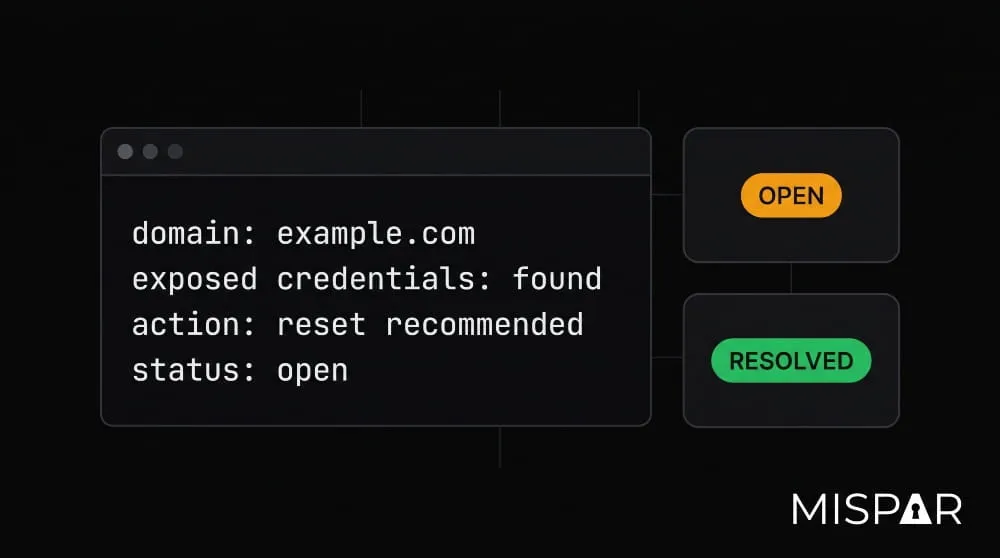
From dark web monitoring, a client-ready entry states what was exposed, such as credentials or email addresses tied to the client’s domain, how serious it is, what action was taken or recommended, and its current status. Group related findings, keep technical detail available but out of the summary, and carry unresolved items forward until they are closed. Over time, this also shows the client a trend, which is stronger evidence of value than a single scan result.
Common reporting mistakes
The most common mistake is sending data without meaning: long lists of alerts and counts with no summary or recommendation. Others include an inconsistent cadence, undefined scope that lets clients expect more than the fee covers, reports that only show good news, and findings that vanish from one report to the next without a stated outcome. A final one is overstating what a report proves for compliance; describe reports as supporting evidence and let the client’s auditor or insurer decide what they need.
Frequently Asked Questions (FAQ)
What should an MSSP report include?
An MSSP report should include an executive summary of the period, the key findings, the actions taken, and a list of open risks with recommendations. Add a small, stable set of metrics, such as coverage and findings opened and closed, so that the client can see trends from period to period.
How often should an MSSP report to clients?
Most MSSPs deliver a monthly operational report, a quarterly strategic review, and separate reports for significant events. Agree the cadence at signing and write it into the contract so expectations on both sides are clear.
What is a QBR for an MSSP?
A QBR, or quarterly business review, is a regular meeting where the MSSP reviews changes in the client’s risk posture, notable incidents, progress on open risks, and recommendations for the next quarter. Its purpose is to shift the conversation from activity to outcomes and agree on actions.
Can MSSP reports be used as compliance evidence?
They can support compliance records, but they are not automatically sufficient. Dated reports showing monitoring and the handling of findings may form part of what a client gives an auditor or insurer, and the client should confirm with that party what they will accept.
Conclusion
Strong MSSP reporting makes invisible work visible, keeps clients engaged, and leaves a dated record that can support audit and insurance conversations. Build a consistent monthly rhythm, run focused quarterly reviews, give clients read-only visibility, and be honest about what reports can and cannot prove. Mispar gives MSSPs the white-label reporting and portal tools to deliver this under their own brand.