
Your info may be on the dark web if it was ever part of a data breach, a leaked credential dump, or an infostealer log, and checking is the only way to know. Many people run this exact search because a breach notification, a bank alert, or simple curiosity sent them looking. The honest answer is that if you’ve reused a password, signed up for an online account, or had your data pass through a company that got breached, there’s a real chance some piece of it is already circulating.
The scale is larger than most people expect. Security researchers now estimate over 15 billion stolen credentials are circulating on dark web marketplaces and forums, a number driven less by a single catastrophic hack and more by the steady accumulation of breaches, infostealer malware, and credential-stuffing lists that get resold and recombined for years after the original incident.
This guide explains how to check whether your information is on the dark web, what you can realistically do to remove or limit its spread, and why a one-time check answers today’s question, not what happens next.
What Does It Mean If Your Information Is on the Dark Web?
If your information is on the dark web, it means some piece of your personal data, a password, an account number, an email and password combination, or a government ID, has ended up in a file, forum post, or marketplace listing that isn’t part of the normal internet. It doesn’t necessarily mean someone has already used it against you. Still, it means the data exists somewhere criminals can find, buy, or trade, which raises your risk of account takeover, identity theft, or fraud until you address it.
How Personal Data Ends Up There
Most personal data doesn’t reach the dark web through some dramatic personal hack. It gets there because a company you had an account with was breached, because malware on a device you used quietly logged your saved passwords, or because criminals tested stolen credentials from one breach against other sites to see where else they worked.
Company data breaches are the most common source: when a retailer, healthcare provider, or online service is compromised, the attackers often package and sell the stolen records rather than use them directly. Infostealer malware works differently; it infects a device (often through a pirated download, fake browser extension, or phishing link) and silently harvests saved passwords, autofill data, and browser cookies, then uploads them in bulk “logs” that get sold or shared. Credential stuffing is the downstream effect of both. Because many people reuse passwords across accounts, one leaked login can unlock several unrelated services, which is part of why security researchers estimate over 15 billion stolen credentials are currently circulating on dark web marketplaces.
How Your Data Ends Up on the Dark Web
Once data is stolen, it rarely stays with the first attacker. Criminals package breach records into files and list them for sale, often in bulk, which is what people mean by selling data on the dark web. Buyers then resell, combine, and recycle those files, so a single breach can keep resurfacing in new places long after the company has cleaned up.
That’s also the answer to a common question: why is my info on the dark web when I never did anything wrong? In most cases you didn’t. A company that held your data was breached, or a password you reused elsewhere was tested against your other accounts.
Types of Information Typically Found
Dark web information ranges from full identity profiles to fragments of a single account. Login credentials and email-and-password pairs are the most common, since they’re the direct output of both breaches and infostealer logs. Credit card and payment data also circulates heavily; more than 140 million stolen credit card records appeared in dark web listings in 2025 alone. Social Security numbers and other government ID numbers also show up, often bundled into “fullz” packages with a victim’s name, date of birth, and address. They are typically priced at only a few dollars each because they’re sold in bulk rather than individually. Other items include session tokens and browser cookies (which can let an attacker bypass a password entirely), medical records, and personal correspondence pulled from compromised email or social accounts.
How to Check If Your Information Is on the Dark Web
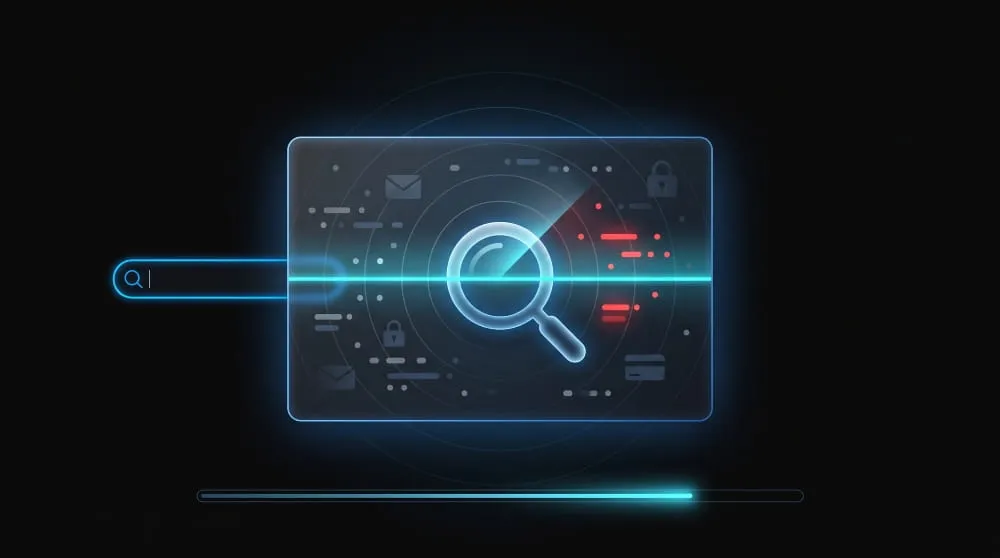
You can check if your information is on the dark web by running your email address, phone number, or other identifiers through a breach-lookup or dark web monitoring tool, which searches known breach databases and leaked-data collections for a match. The process takes seconds: you enter the identifier, the tool checks it against its index, and it tells you whether that specific piece of data has appeared in a known exposure.
Free vs. Paid Check Tools
Free tools, like breach-lookup sites that check an email against aggregated breach databases, are a reasonable starting point and cost nothing. They’re built primarily around email addresses, though, so they won’t tell you much about exposed credit card numbers, Social Security numbers, or phone numbers unless those happened to be indexed alongside a breached email.
Paid tools, usually sold as part of an identity-protection or dark web monitoring service, check a wider set of identifiers, email, phone number, SSN, financial account numbers, and pull from a broader mix of sources, including some infostealer logs and closed forums that free lookup tools don’t cover. The trade-off is straightforward: free tools are a good first check; paid tools go deeper and cover more of what’s actually being traded.
What a One-Time Scan Can and Can’t Tell You
A one-time scan can tell you whether a specific piece of data- that exact email, that exact card number- has appeared in a breach or leak the tool’s database already knows about. That’s a real, useful answer, and it’s often the first sign a security-conscious person has that something needs to change.
What it can’t tell you is whether that same data shows up in a new breach next month, since a scan only reflects a snapshot of what’s been indexed at the moment you ran it, and given that breach and infostealer volumes keep climbing (Flashpoint tracked roughly 1.8 billion credentials stolen by infostealer malware in just the first half of 2025), a database can go stale within weeks. A scan also can’t confirm your data is absent; it can only confirm it hasn’t been found yet in the sources that tool searches, which is a narrower claim than “your information is safe.”
Got a “We Found Your Info on the Dark Web” Alert? What It Means
If a service like McAfee or Experian tells you it found your info on the dark web, it means a scan matched something you gave it, such as an email address, phone number, or Social Security number, against data from known breaches and leaks. The alert doesn’t mean anyone has used your info, and it often doesn’t say which breach the match came from.
When a notice says it “ran your info against the dark web,” that describes the matching step: a lookup against known exposed data, not a live search of every dark web site. Treat whatever was flagged as compromised. Change the password if it was a login, turn on multi-factor authentication, and freeze your credit if it was a Social Security number. If the alert doesn’t say what was exposed, log in to the service and check the details before assuming the worst.
What Happens If Your Info Is on the Dark Web?
What happens next depends on what was exposed and who has it. A leaked password can be tried against your email, banking, and shopping accounts, often by automated tools, which is how account takeover usually starts. Identity details such as a Social Security number, date of birth, and address are more often used for new-account fraud, and that can happen months after the original breach rather than right away. Some exposed data is never used against its owner at all, simply because it sits in a file nobody buys.
You can’t tell which of those applies to you, so acting quickly matters more than guessing how likely misuse is. The steps further down this page cover what to do, starting with the accounts tied to whatever was exposed.
How to Remove Your Information From the Dark Web
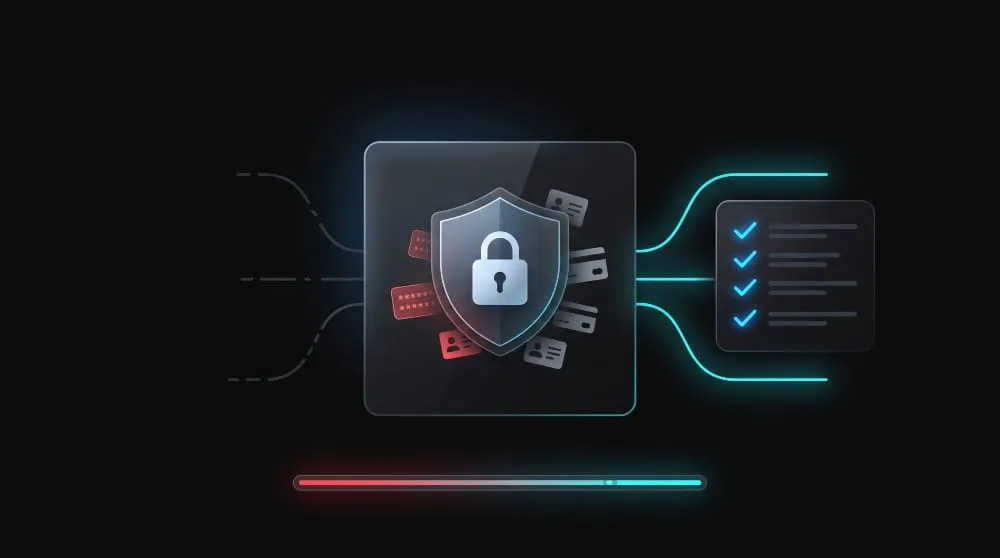
You can’t fully remove your information from the dark web once it’s been copied and redistributed, but you can shut down the exposed accounts and credentials tied to it, which reduces your risk. In practice, removal means changing what still works rather than deleting what’s already out there.
What You Can Realistically Remove vs. What You Can’t
Anything already copied into a breach file, stealer log, or forum post is effectively permanent; there’s no mechanism to delete data once it’s been downloaded and redistributed across dozens of criminal channels, and no legitimate service can reach into those files and erase it. What you can control is whether that data still has any value: changing a leaked password makes the old one useless, closing an unused account removes an attack surface, and freezing your credit makes a leaked SSN far harder to exploit for new-account fraud. In other words, you’re not removing the data; you’re removing what it can be used to do.
Step-by-Step: Passwords, Credit Freezes, Data Broker Opt-Outs
- Change passwords on any account tied to the exposed credentials, starting with email and banking, and anywhere you reused that password; reuse is what lets one leaked login compromise multiple accounts.
- Turn on multi-factor authentication wherever it’s available, so a leaked password alone isn’t enough to get in.
- Freeze your credit with all three major bureaus (Equifax, Experian, TransUnion) if a Social Security number or other identifying data was exposed; this blocks new accounts from being opened in your name without your explicit approval.
- Opt out of data broker sites that aggregate and resell your personal details, since these sites are a separate, legal source of exposure that compounds what’s already on the dark web.
- Monitor your accounts and credit reports for unfamiliar activity in the weeks after, since exposed data is sometimes used months after the original breach rather than immediately.
How to Protect Yourself Going Forward
Protecting yourself in the future means reducing how much new data you put at risk and shortening how long any single piece of leaked data stays useful to an attacker. A password manager that generates unique passwords for every account is the single highest-leverage habit here, since it directly neutralizes credential stuffing, the technique responsible for a large share of account takeovers, given that Verizon’s 2025 data found stolen credentials involved in 88% of attacks against basic web applications.
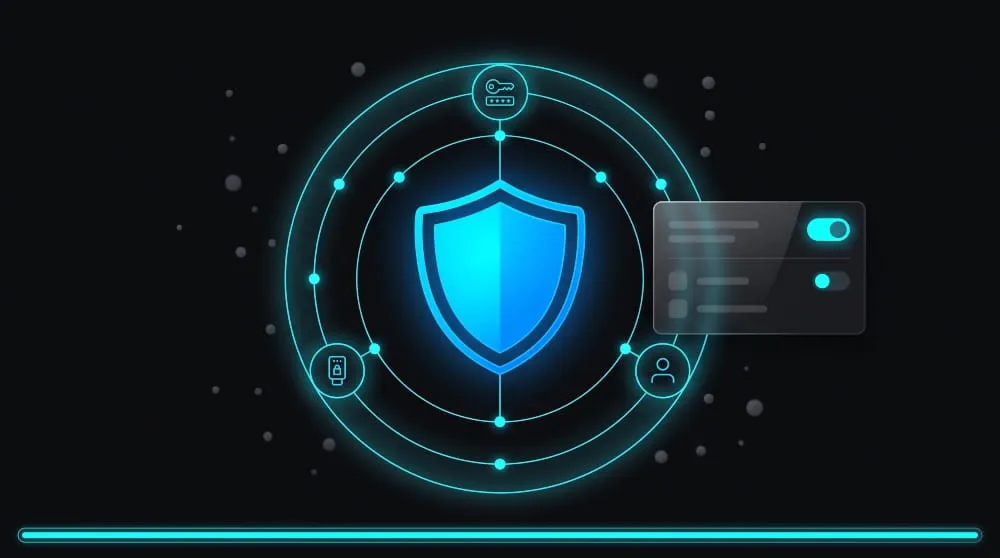
Beyond passwords, multi-factor authentication should be standard on email, banking, and any account that supports it, since it stops a leaked password from being enough on its own. It’s also worth being deliberate about what you share: fewer accounts, less oversharing on forms that don’t need your full details, and caution with links or downloads that could install infostealer malware all shrink the data available to steal in the first place. None of this prevents every future breach; that risk isn’t fully in your control, but it does mean any single exposure does far less damage.
Password Hygiene and MFA
Strong password hygiene means never reusing a password across more than one account, which sounds tedious until you realize it’s the single most effective defense against the way most account takeovers actually happen: an attacker takes a leaked password from Breach A and tries it against Breach A’s victims’ other accounts. A password manager makes this practical; it generates and stores a unique, complex password for every site, so a leak at one company can’t cascade into your email, banking, or shopping accounts.
Multi-factor authentication (MFA) closes the gap password hygiene leaves open. Even a unique, strong password can still be phished or logged by malware, but MFA means a stolen password alone isn’t enough to get in; the attacker also needs a code from your phone, an authenticator app, or a hardware key. Enable it on email first, since email is usually the account used to reset everything else.
Why Removal Alone Doesn’t Stop Re-Exposure
Removal deals with the data you already know about; it does nothing to stop the next breach from exposing new data. Closing an old account and changing a leaked password fixes what’s already happened. However, it doesn’t touch the accounts you still actively use, the companies that hold your data today, or the malware that could land on your device tomorrow and harvest a fresh set of credentials. Re-exposure isn’t a failure of the removal steps; it’s simply a different problem, driven by new breaches and new infections rather than anything left over from the old one.
This is why removal and protection are best treated as a one-time cleanup, not an ongoing defense. The ongoing defense is knowing when new exposure happens, which is a detection problem, not a removal problem, and it’s the piece a single cleanup pass can’t solve on its own.
One-Time Check vs. Continuous Monitoring
A one-time dark web check answers a question about the past: has this specific piece of data shown up in a breach yet? Continuous monitoring answers a question about the present and future: is any of my data showing up right now, and will I know if it does tomorrow? The difference matters because new breaches and infostealer logs surface constantly, and a scan you ran last month has no visibility into what leaked last week.
That gap is bigger than it sounds. Security researchers found the average time to identify and contain a breach now runs around 247 days, meaning data can circulate on the dark web for months before the breached company even discloses it, let alone before a one-time scan would catch it. Continuous monitoring closes that window by checking for new exposure on an ongoing basis, not at a single point in time.
| Feature | One-Time Scan | Continuous Monitoring |
|---|---|---|
| What it checks | A snapshot of known breach data at the moment you search | New breach data, infostealer logs, and dark web listings on an ongoing basis |
| When you find out | Only if you remember to check again | As soon as new exposure is detected |
| Best for | A quick first look after hearing about a breach | Staying ahead of exposure that hasn’t happened yet |
| Coverage | Limited to what’s already indexed | Expands as new sources and breaches are added |
If a one-time check just confirmed something concerning, that’s a sign the underlying gap, not knowing about exposure until you go looking for it, is worth closing permanently. Mispar’s continuous dark web monitoring checks for new exposure automatically instead of leaving it up to the next time you remember to run a scan, so you find out when it happens rather than months later.
Dark Web Exposure Stats
The numbers behind dark web exposure make it clear this isn’t a rare or isolated problem; it’s the routine byproduct of how often breaches and malware infections happen.
- Security researchers estimate over 15 billion stolen credentials are currently circulating on dark web marketplaces and forums.
- More than 140 million stolen credit card records appeared in dark web listings in 2025 alone.
- Stolen credentials were involved in 88% of attacks against basic web applications, according to Verizon’s 2025 Data Breach Investigations Report.
- Infostealer malware alone accounted for roughly 1.8 billion stolen credentials in just the first half of 2025.
- Stolen Social Security numbers sell for as little as $1–$6 on dark web marketplaces, reflecting how commonly they’re traded rather than how little they’re worth to a victim.
- The average time to identify and contain a breach is around 247 days, meaning exposed data can circulate for months before it’s even publicly disclosed.
Taken together, these numbers explain why a single scan is a useful starting point but not a lasting answer: the pool of exposed data is large, constantly refreshed, and often invisible until well after it’s already circulating.
Can You Remove Your Info From the Dark Web for Free?
Yes, because the steps that actually reduce your exposure cost nothing: changing the exposed passwords, turning on multi-factor authentication, freezing your credit (free with all three major US bureaus), and opting out of data broker sites, many of which offer free opt-outs. Those steps make the exposed data far less useful to anyone holding it.
What you can’t do, for free or for a fee, is delete the copies already circulating in breach files and criminal forums. Removing your data from the dark web in that literal sense isn’t possible, which is why the goal is to remove what the data can be used to do.
Do Dark Web Data Removal Services Work?
No service can delete your data from criminal forums or breach files. What legitimate removal services do is request that your info be taken down from data broker and people-search sites, and some also watch for new exposure. That cuts off one source of your data, but it doesn’t touch what’s already been stolen.
Before paying for one, ask three things: exactly what it removes, which sites it covers, and how often it re-checks. A service that promises to erase your info from the dark web itself is overstating what’s possible.
Find Out If Your Data Is Exposed, And Stay Ahead of What Comes Next
A one-time check tells you what’s already happened. Mispar’s continuous dark web monitoring watches for new exposure, new breaches, new infostealer logs, and new leaked credentials as they happen, so you’re not relying on remembering to run another scan. If you’ve already found something concerning today, that’s the strongest sign it’s worth knowing the moment it happens again.
Frequently Asked Questions (FAQ’s)
How do I know if my information is on the dark web?
Run your email address, phone number, or other identifiers through a breach-lookup or dark web monitoring tool. It checks your data against known breach databases and leaked-data collections and tells you whether a match exists.
Is it bad if my information is on the dark web?
It raises your risk of account takeover, identity theft, or fraud, but it doesn’t mean you’ve already been victimized. What matters most is how quickly you act; changing passwords, freezing credit, and enabling MFA reduce what an exposed piece of data can actually be used for.
Can I permanently delete my information from the dark web?
No. Once data has been copied into a breach file or leaked log, you can’t delete it from every place it’s been redistributed. You can, however, make that data useless by changing passwords, closing exposed accounts, and freezing credit.
How often should I check if my information is on the dark web?
A single check only reflects what’s known at that moment, and new breaches surface constantly, so a one-time scan needs to be repeated regularly to stay useful. Continuous monitoring solves this by checking on an ongoing basis instead.
What’s the difference between a dark web scan and dark web monitoring?
A scan is a one-time lookup against existing breach data. Monitoring checks continuously for new exposure and alerts you when it happens, rather than requiring you to remember to check again.